

Everything your
project becomes.

Your notes, files, references and AI conversations. One place to keep your project moving.

Every reference.Every decision.One project.

Kept together, so the work does not have to be reassembled every time you come back to it.

Not forty chats and a desktop full of screenshots.

Every answer, file and image you save lands in the project it belongs to.

  • Project briefA website for a small architecture studio, with completed homes at the centre of the story.from Desktop, from Desktop, in Research
  • Audience notesPrivate clients planning a home.from Browser, from Browser, in Research
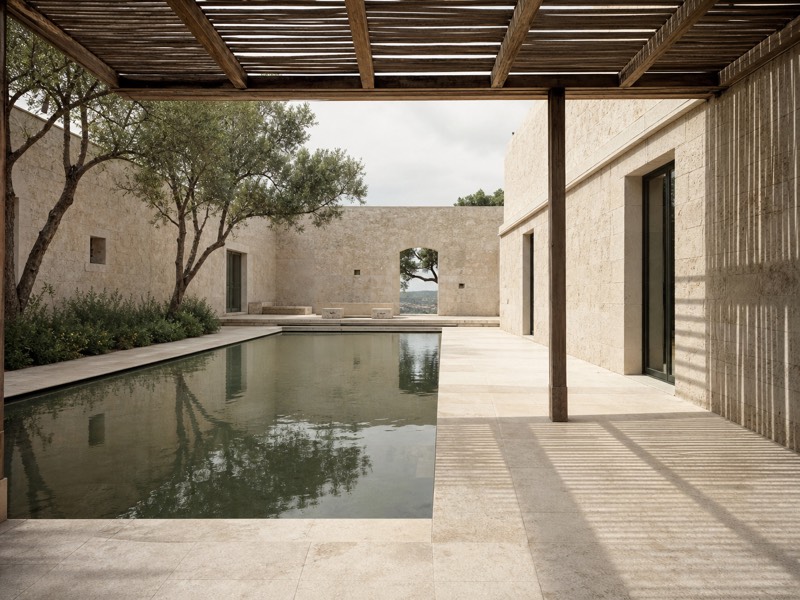
  • Reference: courtyardfrom Browser, from Browser, in Research
  • Homepage copyArchitecture for everyday life.from Claude, from Claude, in Copy
  • CTA optionsExplore the homes. Meet the studio. Start a conversation.from ChatGPT, from ChatGPT, in Copy
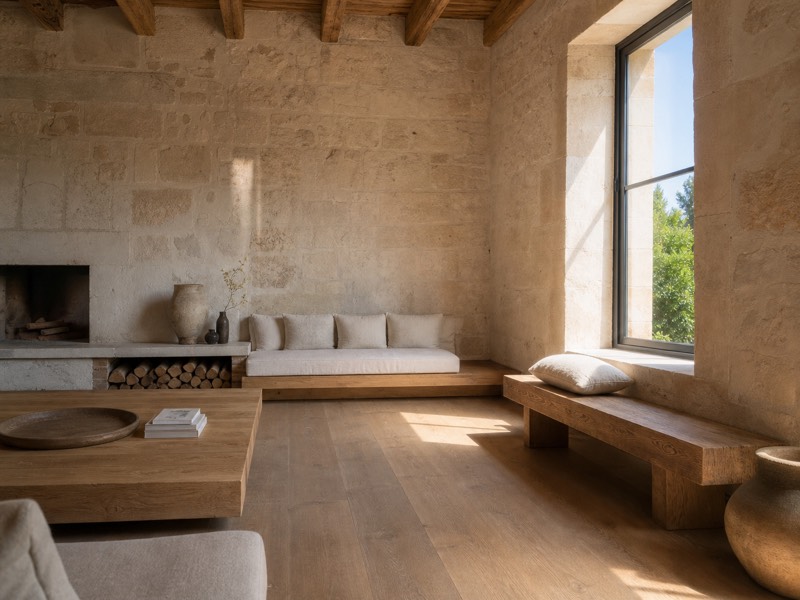
  • Materials referencefrom Downloads, from Downloads, in Visuals
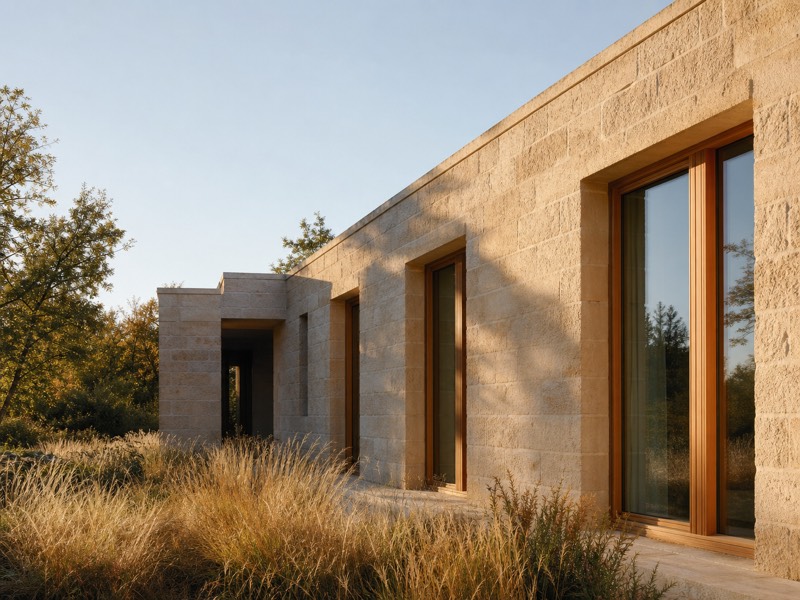
  • Exterior prompt“A low-rise home, limestone walls, warm morning light.”from Image tools, from Image tools, in Visuals
  • Exterior, morning lightfrom Image tools, from Image tools, in Visuals

Save it from the page you’re on.

Select a passage on any page, right-click an image you found, or take a screenshot of what is on screen. The Seylo browser extension files it into the project and space you choose, without leaving the tab.

  • Free on every plan
  • ⌥⇧S search or write a note on any page
  • ⌥⇧4 screenshot the page or an area
  • Drop in files, or paste a picture with ⌘V

Add to ChromeWorks in Chrome, Edge, Brave and Arc

Save it on your phone.

Share from TikTok, Pinterest, YouTube, Safari or any other app, pick Seylo, and it goes into the right folder of your project.

No Drive folder, no download, no upload. It is in the project on every screen, and your assistant reads it over MCP.Seylo for iPhone is coming to the App Store.

Save it from your AI.

Settle something with Claude and tell it to update the project. New work and new decisions go straight in. A change to something already settled waits for you.

Claude
Updating Studio website in Seylo

Done. The brainstorm is in Research and the courtyard is now part of the plan. The look was already settled, so I left the new one as a suggestion for you.

Studio websiteseylo.co
+ Brainstorm, 26 September in Research+ Homepage: lead with the courtyard recorded
LookLimestone and warm morning lightPale limestone, late afternoon sunUse the suggestion

Then let your AI work with everything you collected.

Open ChatGPT, or any assistant you connect. It reads the whole project, the pictures from your phone and the pages from your browser included, and saves what it makes back into it.

ChatGPT
Reading Studio website in Seylo

Here is your week: seven posts, each built from something already in the project. I saved it to Seylo so every tool can pick it up from there.

Studio websiteseylo.co
Week of postsSaved toScriptsLinked to everything it was built from+11
  • MonCarousel: why limestone ages wellfrom your research note
  • TueThe courtyard at five in the afternoonfrom your phone photos
  • WedOne house, from sketch to wallsfrom your brief
  • and four more days

Your AI reads what you approved.

An assistant hands you five image prompts, or three headlines. Approve the ones that worked: two of them, or all five. Every tool you connect is handed those as the ones the project signed off, with the rest kept separate as work in progress.

Exterior image prompt5 from ChatGPT

  • 1A low-rise home at dusk, windows lit from inside.
  • 2Close crop of the limestone wall and oak door in morning light.
  • 3Wide shot from the garden, long shadows.
  • 4The terrace on a grey day, one chair pulled out.
  • 5The facade in rain, reflections on the stone.

Until you approve them, every connected tool sees five drafts and no answer.

Find it again.

Search by what you mean, not the exact words. Each result comes back with its space and where it came from.

Recent

  • Project brief.pdf

    A website for a small architecture studio, with completed homes at the centre of the story.

    Research · from Desktop

  • Audience notes

    Private clients planning a home.

    Research · from Browser

  • Homepage copy

    Architecture for everyday life.

    Copy · from Claude

  • CTA options

    Explore the homes. Meet the studio. Start a conversation.

    Copy · from ChatGPT

Whatever you’re making, it gets a project.

A dissertation, a launch, a seed round or a codebase: its sources, drafts and decisions sit together in one place, and every AI tool you connect reads the same project.

Example projects

  • Dissertation: urban heatStudentsSources, Drafts, Supervisor
  • Autumn launch campaignMarketersResearch, Copy, Visuals
  • Seed roundFoundersProduct, Fundraising, Hiring
  • API v2 migrationDevelopersSpec, Decisions, Snippets
  • Oak & Stone identityDesignersBrief, References, Concepts
  • Channel: season twoCreatorsIdeas, Scripts, Published
  • Sleep and memory reviewResearchersPapers, Notes, Findings
  • Novel, second draftWritersChapters, Characters, Research
  • Market entry: NordicsConsultantsInterviews, Analysis, Deck
  • Q4 roadmapProduct managersFeedback, Specs, Decisions
  • Season threePodcastersGuests, Outlines, Show notes
  • Year 9 history unitTeachersLessons, Worksheets, Tests
  • Design roles, springJob seekersCVs, Applications, Interview prep
  • Café websiteAgenciesClient brief, Copy, Designs
  • Game design documentGame developersMechanics, Levels, Art
  • Wedding seasonPhotographersShot lists, Clients, Selects

Free to start. Pro connects your AI.

Keep your first projects on Free. Pro connects Claude, ChatGPT, Cursor and Codex over MCP, searches by meaning and removes the limits.

Free

A home for your first projects.

$0

forever

  • 500,000 characters of project memory
  • 250 MB of file storage
  • 3 active projects
  • 3 spaces inside each project
  • Map and Document views of every project
  • Connect related assets and see where each one came from
  • Browser extension for one-click capture
  • Search across every project by the words you remember

Pro

Recommended

More room. AI that works with your project.

$8.99

/month, billed annually

  • Everything in Free
  • Connect Claude, ChatGPT and Cursor to your projects over MCP
  • Search by meaning, not just the words you typed
  • Unlimited projects and unlimited project memory
  • As many spaces inside a project as it needs
  • 20 GB of file storage
  • Share a project with up to 2 people

Cancel any time. Fourteen days to change your mind, on any plan.

Founding

First 100 members

Pro access at founding member pricing.

$59

$107.8845% off

a year

  • Everything in Pro
  • $59 a year for as long as your subscription stays active
  • Direct access to the people building it
  • A say in what gets built next
  • Team features when they land, at no extra cost

Billed once a year. Cancel any time and keep access until the year is up.

Every paid plan comes with 14 days to change your mind: full refund, no questions.

TeamIn development

Shared workspaces, comments, and approvals for a group working on the same projects. Today two people can share a project on Pro.

Already using Seylo? You can register interest from Settings → Plan instead.

Email us about Team

A few things to know.

  • Connected AI tools can read a project, create the spaces work is filed into, save new material into a space and rewrite existing content in place, and the previous version is kept. They cannot move something you already saved into another space, and they cannot confirm a decision. You do that.

  • No. Keep your notes, files and references in Seylo on their own. Connect AI tools when they help with your work.

  • Save passages, images and screenshots from any page with the browser extension, or add files directly. Choose the project each one belongs to. An iPhone app for saving from your phone is on its way.

  • Use supported tools such as Claude, ChatGPT and Cursor with your Seylo projects. Follow the connection instructions for the tool you use.

  • Pro adds AI connections, search by meaning and higher limits. The plan comparison shows what's included.